GARMIN LOCAL ARCHIVE
local · private · yours

A local archive for your Garmin Connect data.

It didn't start as an archive. It started as a way to ask a local AI about my Garmin data.

A simple question, and what follows.

I'd read about Garmin Chat Connector, a cloud-based service that let you ask an AI about your Garmin data — a genuinely good idea, and the spark for everything that followed.

"I didn't want to hand this data to an AI company. I wanted to prepare and analyze it locally."

Could that actually work?

Ask a local AI about my Garmin data
↓
Ollama needs to run locally
↓
Data has to be available locally
↓
Download the Garmin data
Simple, but working.

Three hours later there was a handful of small scripts, a dashboard, and an Excel export. It worked — faster and more easily than I'd expected.

At this point it was just a data collector. Fuel for the AI analysis that was supposed to come next.

Something didn't add up.

Comparing files from different devices and years showed a pattern the collector script had nothing to do with. My current device consistently delivered full detail. My older devices varied wildly — sometimes close to that, sometimes barely a fraction of it.

high
~550 KB · my current device
standard
<1 KB – ~480 KB · varies across my older devices

Not a bug. My older devices simply carried fewer sensors — and never sent minute-by-minute detail to begin with.

The path sharpened the idea.

The archive became the point.

BEFORE
Garmin
→
Collector
→
Dashboard
MEANWHILE
Garmin
→
Local Archive
Local Archive
Dashboard
Explore & visualize
Export
JSON, CSV, InfluxDB Line Protocol
Local AI
Ollama chat → MCP

Your Garmin data, kept locally.

Preserve

Archive your data locally, for the long term. Along the way, it checks data quality and stops good data from ever being silently overwritten by worse data.

Contextualize

Combine Garmin data with local context — weather, pollen, and more — and with your own notes and values from the built-in diary.

Recover

Rebuild historical data from Garmin exports and fold it back into the archive.

Explore

Dashboards, Excel and HTML exports, a local AI chat, MCP, or export it as JSON, CSV and InfluxDB Line Protocol — use whichever fits best.

The app, at work.

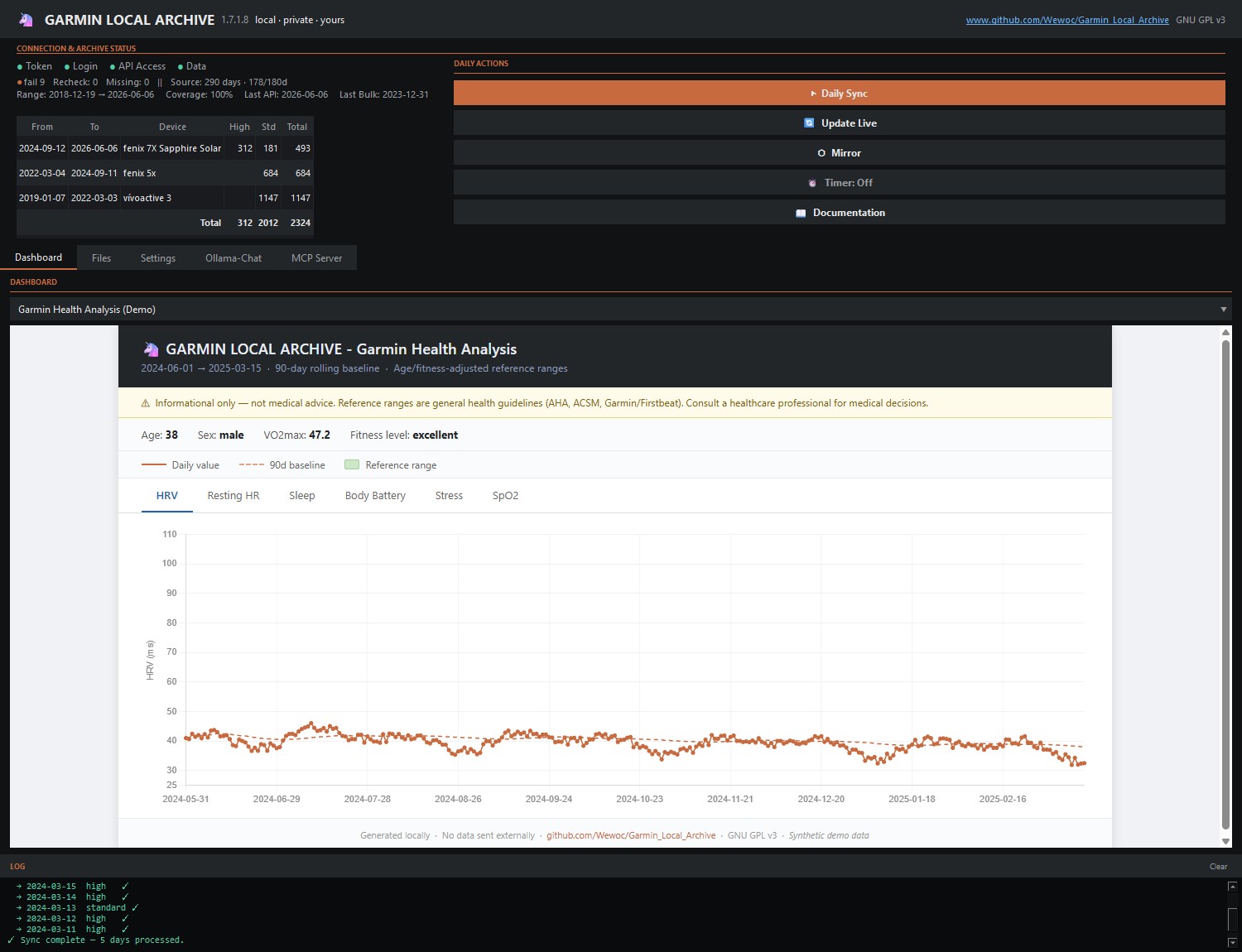
Garmin Local Archive dashboard, showing device history and HRV chart
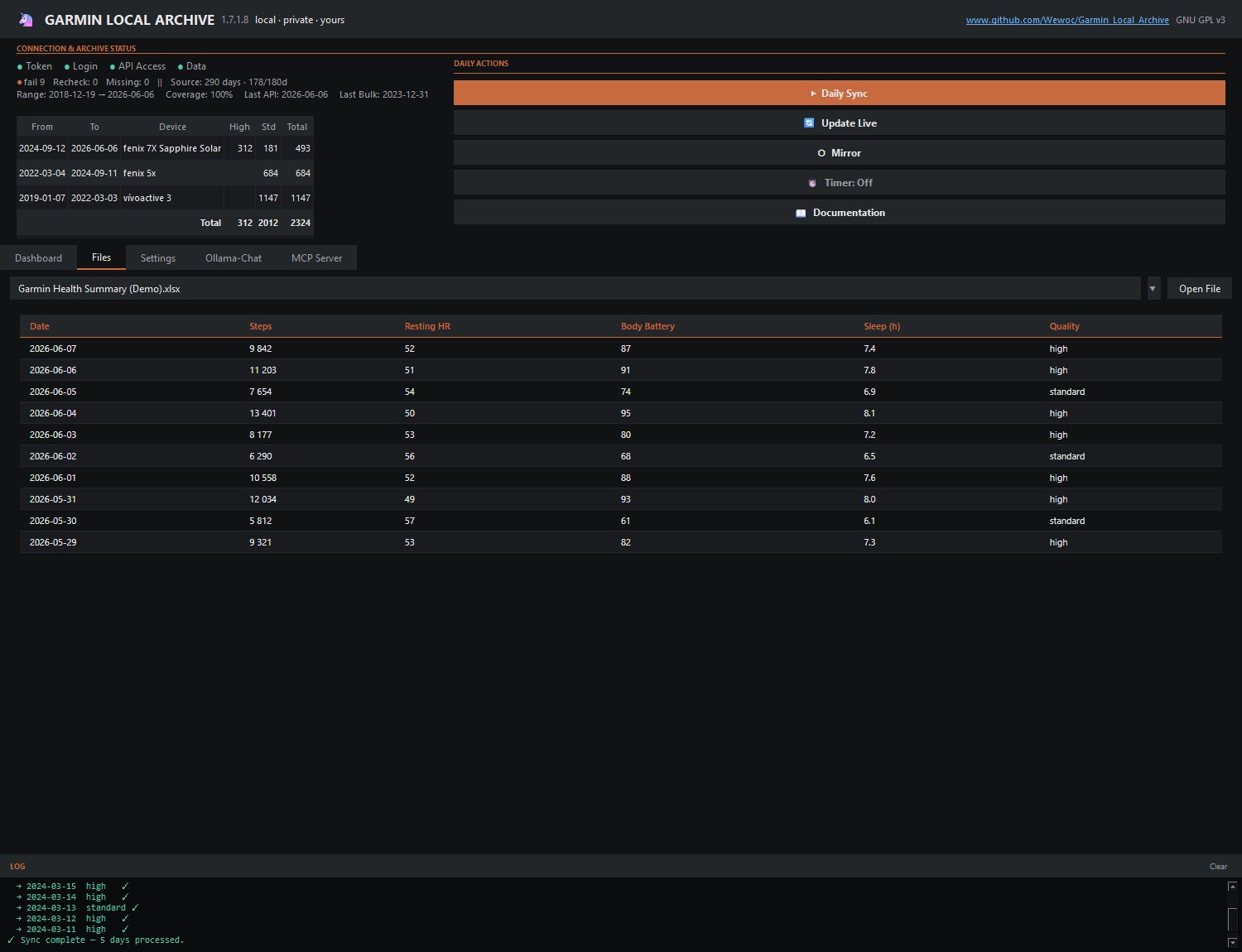
Files tab, showing exported health summary data
Files
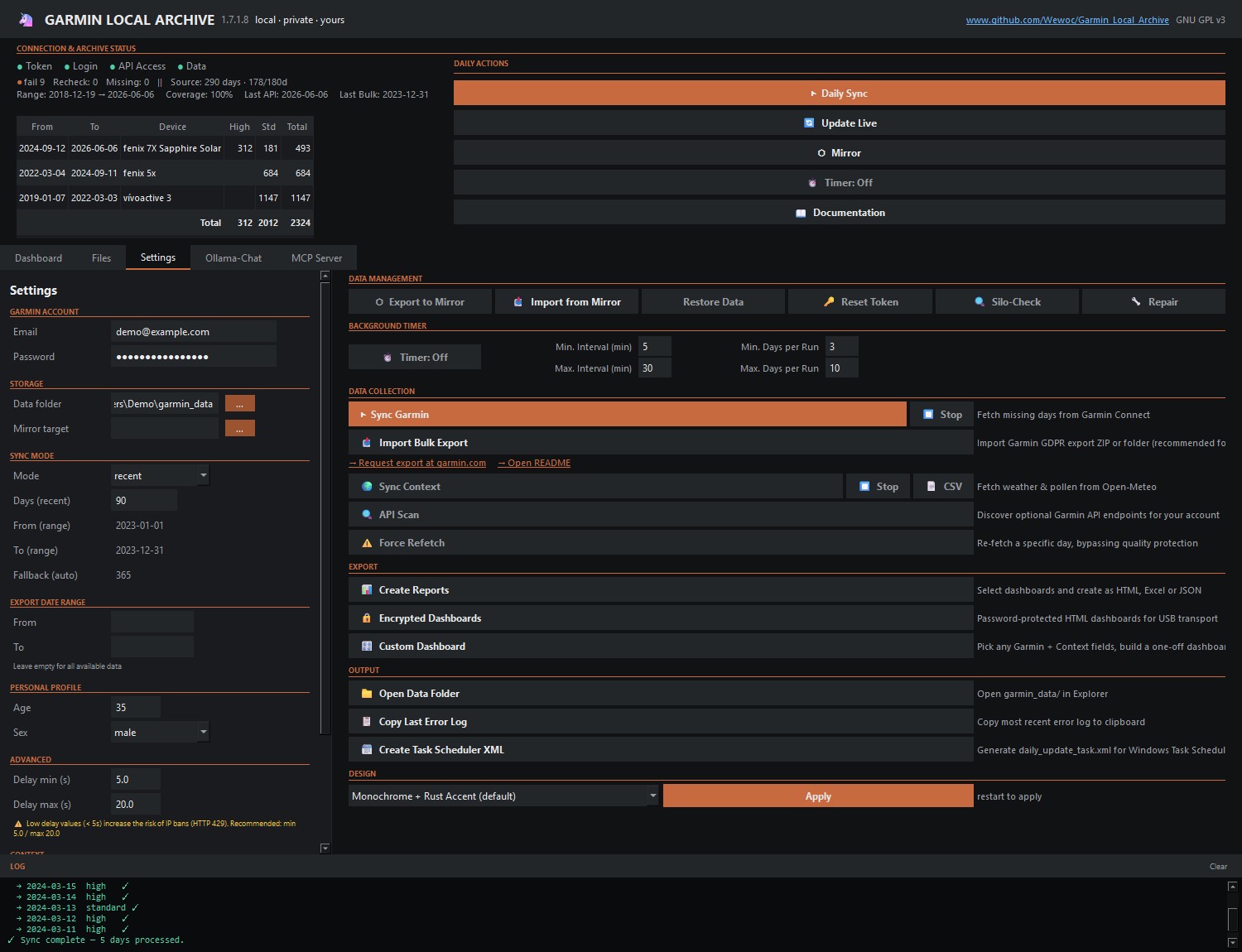
Settings tab, showing sync and data management options
Settings & sync
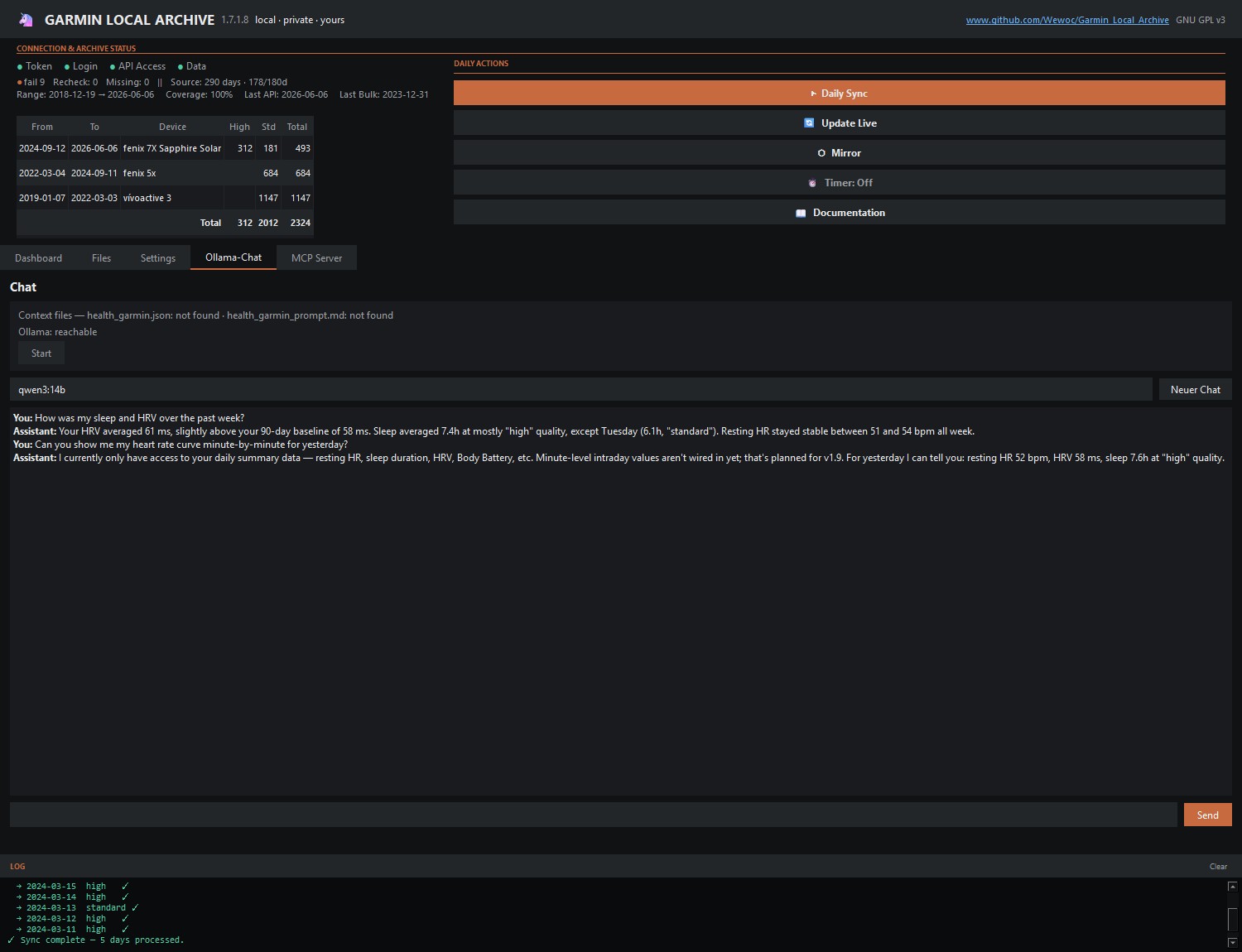
Local AI chat, answering a question about HRV and sleep
Local AI chat
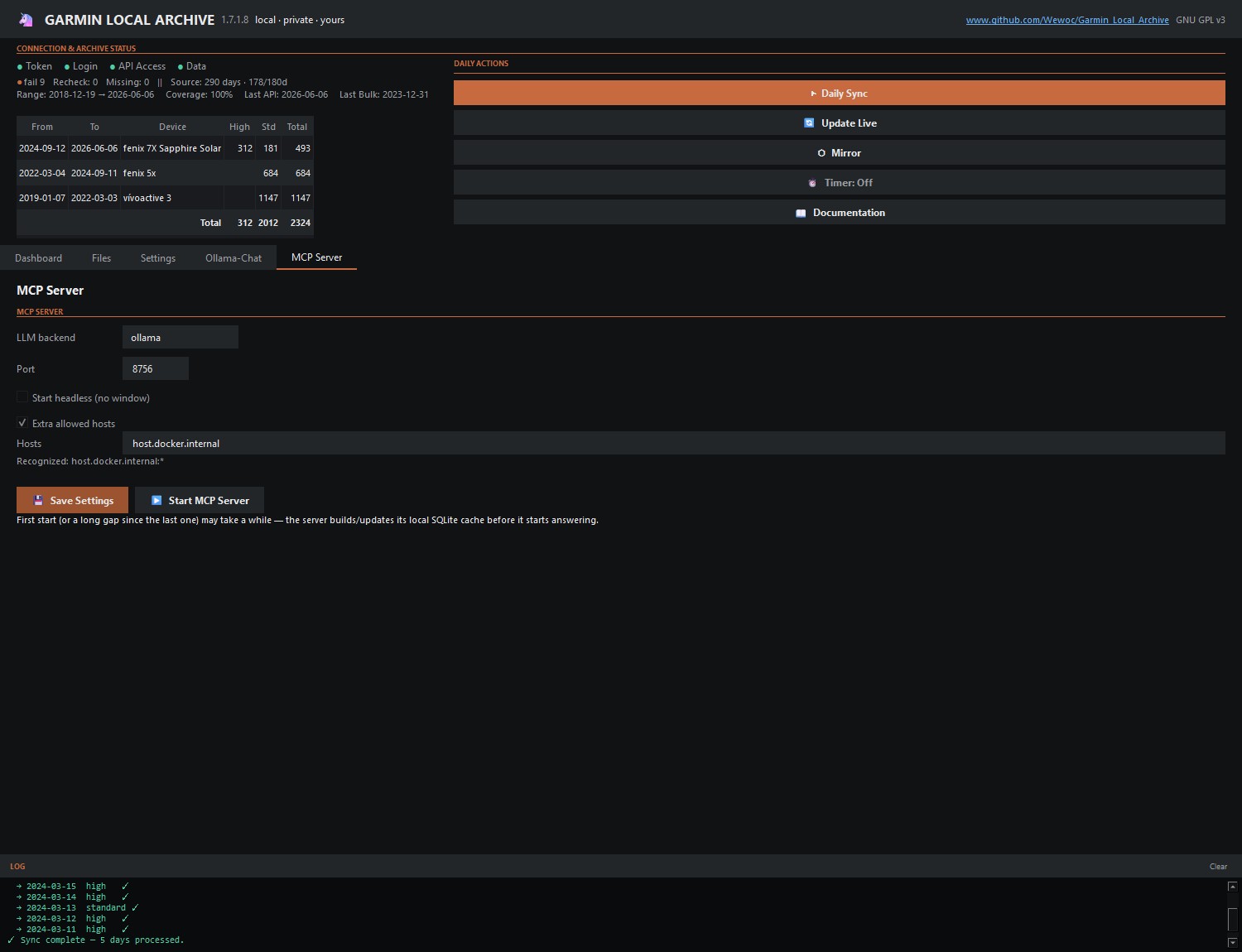
MCP server settings, showing local Ollama backend configuration
MCP server
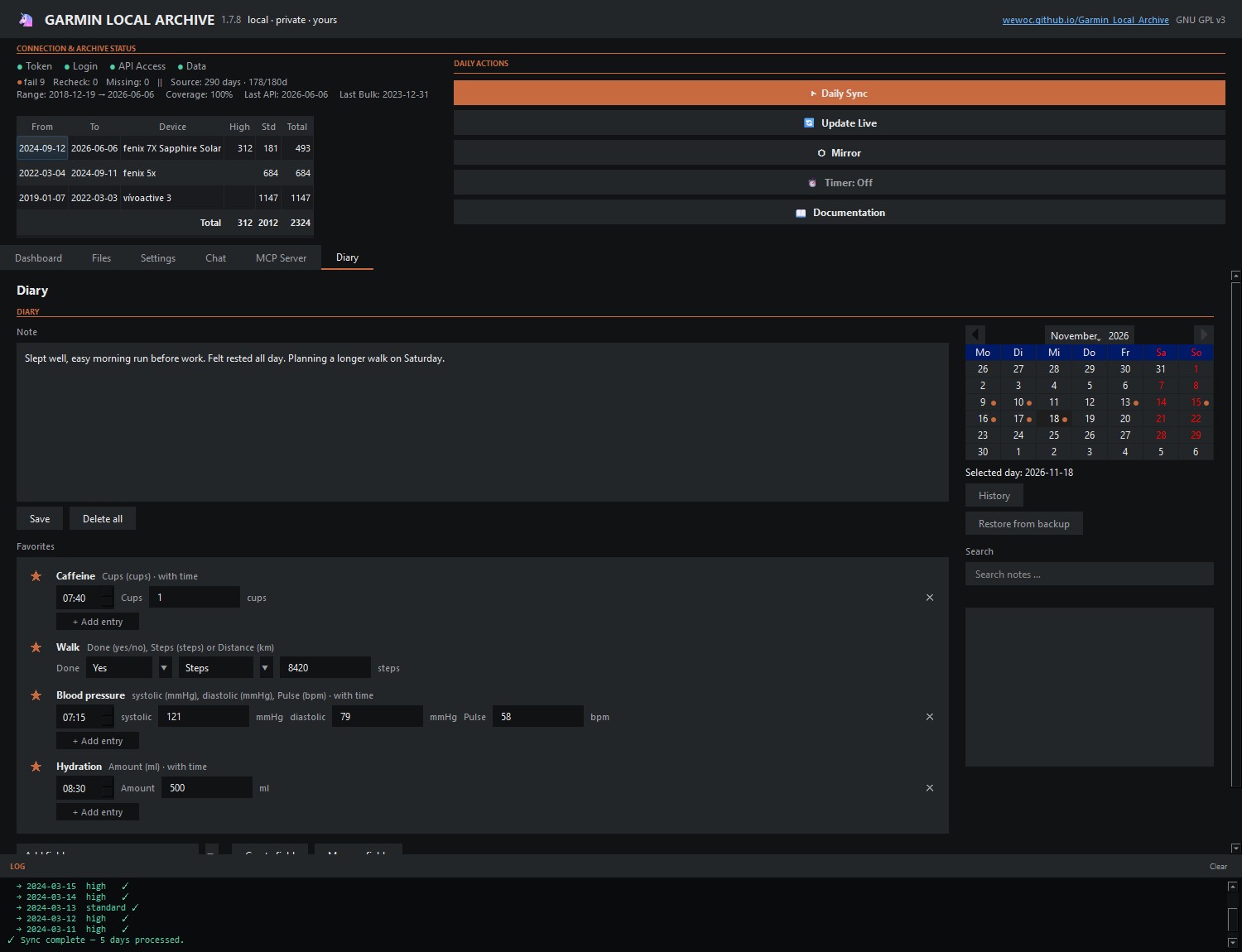
Diary tab, showing a calendar, a note and hand-entered values for one day
Diary

Your data stays on your machine.

No extra account for GLA. No subscription. No vendor lock-in.

Ready to build your own archive?

Windows standalone. No Python required.